IDE import
|
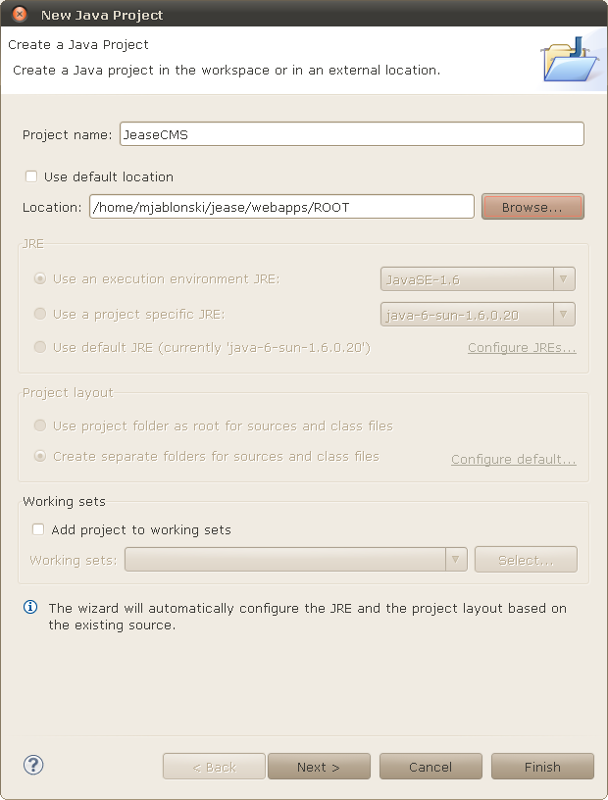
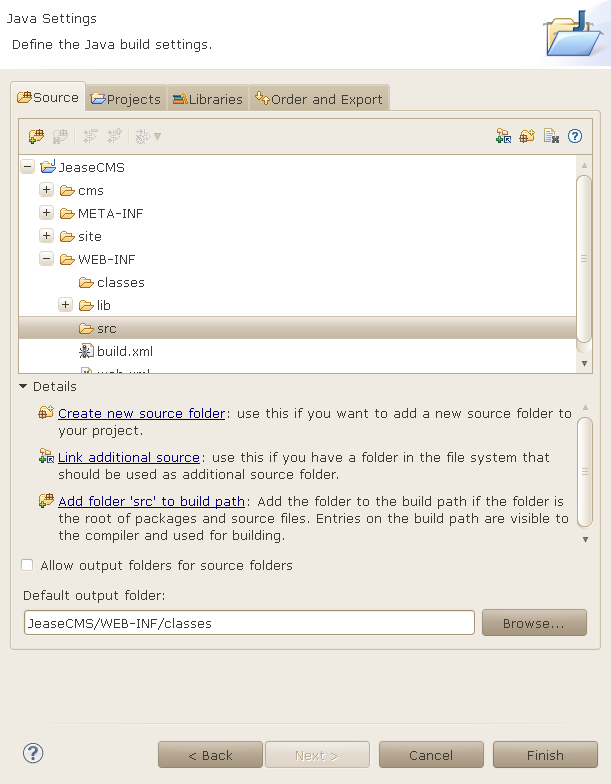
To start working with Jease, you should import Jease into your favorite IDE. After downloading Jease, you can either unzip jease/webapps/ROOT.war into a directory of your choice or let Tomcat do this automatically for you: after the first start, Tomcat unzips the ROOT.war into a directory called ROOT in jease/webapps which is used below. The following instructions are written for Eclipse, because I'm developing Jease with Eclipse.
|
|
Last modified on 2011-04-27 by Maik Jablonski